Updated
Lip-Sync Dubbing
AI Lip Sync Dubbing Voice and Lips in a New Language
How it works
How to Lip-Sync Dub a Video
Four steps from your video to a dub whose lips match the new language
Step 1: Upload or paste a link
Upload an MP4, MOV, M4V or WebM file up to 2 GB and 30 minutes, or paste a public YouTube, TikTok or Instagram link.
Step 2: Pick the new language
Choose one of 70+ languages. Each dub is one language; on a paid plan you can pick up to five at once, and each becomes its own dub.
Step 3: AutoDub dubs and lip-syncs
The speech is transcribed, translated and re-voiced in a clone of the speaker's voice, then the mouth movements are matched to the new audio. Most dubs are ready in 5–15 minutes.
Step 4: Watch it, then download
Watch the dub in your dashboard and check the close-ups; download the MP4 and the SRT/VTT subtitles with a plan or a one-time unlock.
How AutoDub Matches the Lips to the New Language
Every AutoDub dub goes through the same steps: speech recognition, translation, a voice clone built from the speaker's own audio, and lip-sync. Lip-sync is not an extra you switch on or pay for separately. It is part of every dub, on the free trial and on every plan.
The lip-sync step adjusts the speaker's mouth movements to the translated audio, so a person talking to the camera looks as if they said the new words. A sentence rarely takes exactly as long in one language as in another, so the timing of the dub can stretch a little where the new language needs more time.
Your voice stays yours: the new language is spoken by a clone of the person in the video, not by a stock narrator. Each dub also comes with subtitles in the new language as SRT and VTT files, which you can read in the player and download with the video.
Demo
Watch One Video Dubbed into Three Languages
Press play, then switch languages and judge the voice and the speaker's mouth for yourself.
03 languages · one source
- EnglishEN
- EspañolESSpanish
- FrançaisFRFrench
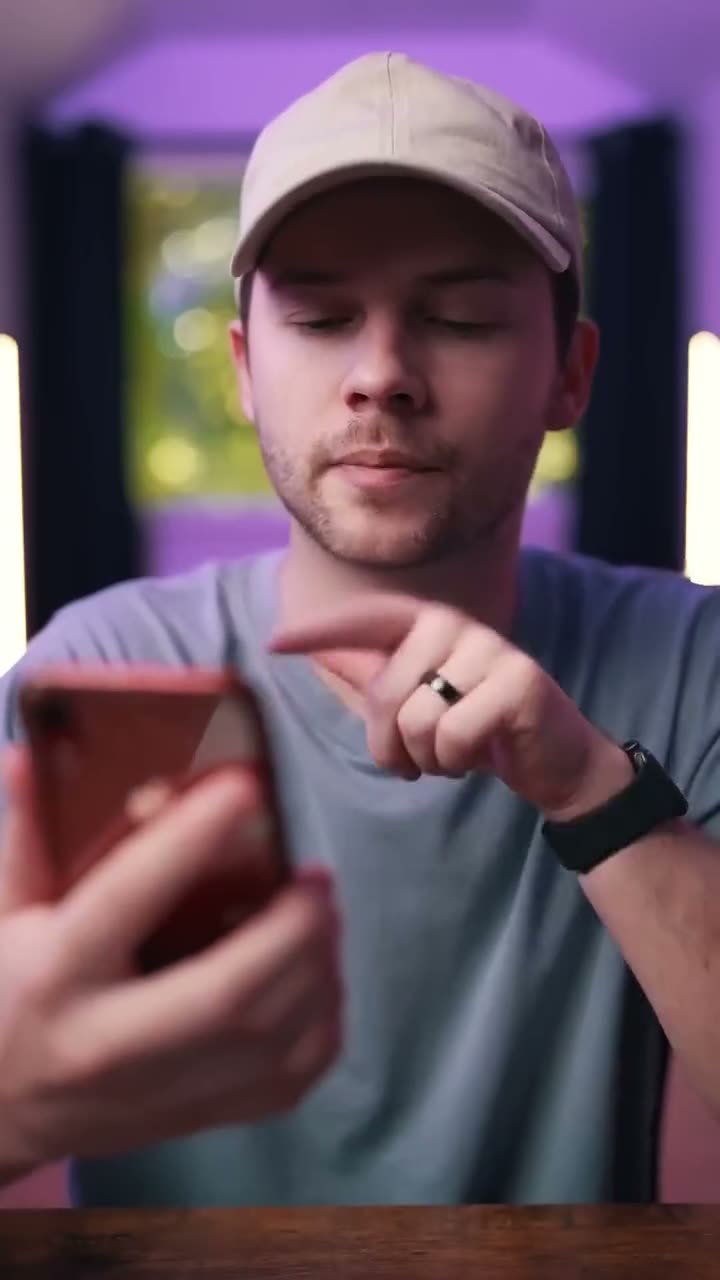
ENEnglish
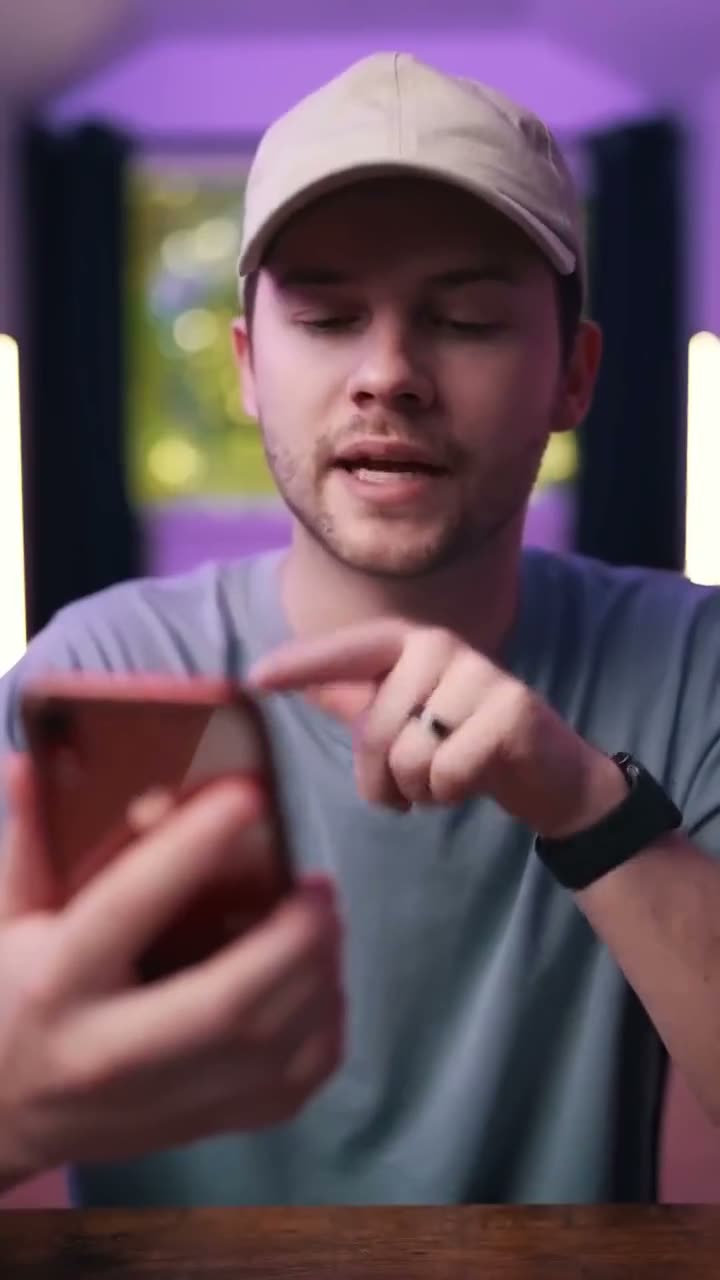
ESSpanishEspañol
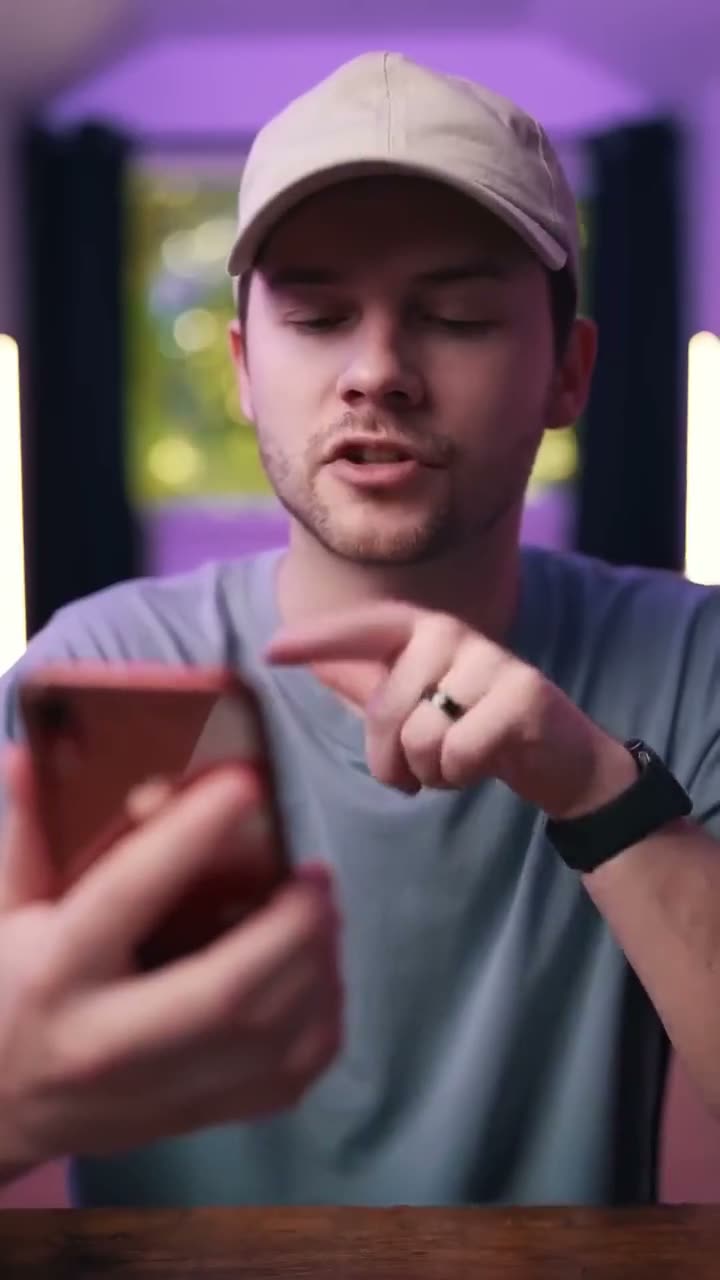
FRFrenchFrançais
Same video, dubbed into Spanish and French with AI voice cloning
Comparison
Lip-Sync Dubbing, Voice-Over or Subtitles?
Three ways to put a video into another language, and when each one fits
| Feature | Subtitles only | Voice-over | Lip-sync dub |
|---|---|---|---|
| What viewers hear | The original audio | A translated voice over the picture | The translation, in the speaker's cloned voice |
| Mouth matches the new words | No | No | Yes |
| Viewers have to read | Yes | No | No |
| Fits best | Viewers who prefer the original sound | Narration, slides and screen recordings | Talking-head videos, courses, interviews and ads |
| With AutoDub | SRT and VTT files come with every dub | Not offered on its own | Every dub, trial included |
With AutoDub you never choose between them: each dub is lip-synced and comes with its subtitle files.
Where Lip-Sync Dubbing Works Best
Lip-sync needs a mouth it can see. The most natural results come from a face turned towards the camera, in good light, with one person speaking at a time. Side profiles, a hand or microphone in front of the mouth, fast movement, a face that is small in the frame, or two people talking over each other are where a lip-synced dub can look less exact. When no face is on screen, as in a screen recording or a slideshow, there are no lips to match, so the cloned voice and the subtitles are what your viewers notice.
Matching lips to new speech is a hard research problem. Researchers who presented the Wav2Lip model at ACM Multimedia in 2020 wrote that earlier systems were accurate on static images or on people seen during training, but “fail to accurately morph the lip movements of arbitrary identities in dynamic, unconstrained talking face videos, resulting in significant parts of the video being out-of-sync with the new audio.” That is why a clear, steady view of the speaker still matters today.
Source: K R Prajwal, Rudrabha Mukhopadhyay, Vinay Namboodiri and C V Jawahar, “A Lip Sync Expert Is All You Need for Speech to Lip Generation In The Wild”, ACM Multimedia 2020, arxiv.org/abs/2008.10010, checked 4 November 2026.
Viewers are also getting used to dubbed video that looks right. On 4 February 2026 YouTube wrote that it was “currently testing a Lip Sync pilot that subtly matches the speaker’s lip movements to the translated audio so a dubbed video feels as seamless as watching the original”, and that in December it “averaged more than 6 million daily viewers who watched at least 10 minutes of auto dubbed content.”
Source: YouTube Official Blog, “Unlocking a global audience with auto dubbing” (4 February 2026), blog.youtube/news-and-events/youtube-auto-dubbing-expressive-speech, checked 4 November 2026.
Comparison
Lip-Sync Dubbing Limits Free Trial or a Plan
What one lip-synced dub can be, before you pay and with a plan
| Feature | Free trial | With a plan |
|---|---|---|
| Videos | One video, one language | As many as your minutes cover |
| Length per video | Up to 2 minutes | Up to 30 minutes |
| Upload or link | MP4, MOV, M4V and WebM up to 2 GB, or a YouTube, TikTok or Instagram link | The same |
| Languages | One language per dub | One language per dub; up to five per submission, each its own dub |
| Lip-sync and voice clone | Yes | Yes |
| Watch the dub in your dashboard | Yes | Yes |
| Turnaround | Most videos in 5–15 minutes | The same |
| Download the MP4 and SRT/VTT subtitles | With a one-time unlock ($4.99) | Yes |
| Price | Free | From $39 a month; yearly plans 20% off |
Subscribers can top up with minute packs from $25. The free trial needs a verified e-mail address.
FAQ
AI Lip Sync Dubbing FAQ
Faces, speakers, timing and checking the result
6 answers
Specs and limits
What AutoDub does not do yet.
Worth knowing before you dub a video:
- No script editor. You cannot edit the transcript or the translation of a dub, so watch every dub before you publish it.
- No public API. Every dub is started in the web app; there is no API for teams yet.
- One language per dub. Each dub has one target language and is billed as its own dub. Paid plans can pick several languages in one submission; the free trial is one video in one language.
- 30 minutes and 2 GB per video. A longer or larger video has to be split into parts before you upload it.
- Subtitles only in the new language. The SRT and VTT files are in the dubbed language; there is no subtitle file in the original language.
- Links from three sites. AutoDub fetches YouTube, TikTok and Instagram links; a video from anywhere else has to be uploaded as a file.
- No accent or dialect setting. You pick a language, such as Spanish, not a regional variety of it.
- No automatic deletion. Nothing is removed for you: your videos and dubs stay in your account until you delete them in your dashboard.
- Downloads need a plan or an unlock. A free trial dub can be watched, not downloaded: the video and its subtitles download with a plan or a one-time unlock from $4.99.
Last verified · Full documentation
Next steps
Related Pages
- AI video dubbing in your own voiceEverything an AutoDub dub includes, from voice clone to subtitles
- AI video translatorTranslate a video from a file or a YouTube, TikTok or Instagram link
- Every language pairThe full directory of language-pair guides
- Lip-synced English to German dubbingDub an English video into German
- English to Polish video dubbingA dub in your own voice instead of a voice-over
- Spanish to English video dubbingDub a Spanish video into English
- Try one lip-synced dub freeYour first video, up to 2 minutes, is free to try
- Plans and pricesMonthly and yearly plans, minute packs and one-video unlocks
Try AI Lip Sync Dubbing on Your Own Video
Your first video, up to 2 minutes, is free to try and watch.